
Do you think SEO means mastering complicated tools or decoding Google’s latest update? You’re not alone. Many people get stuck chasing algorithms instead of results.
The good news? A few beginner-friendly SEO fixes can make a big difference for both search engines and your readers. In this guide, we’ll cover your first SEO wins: fast, practical fixes that actually move the needle.
Let’s start with the quickest one: meta tags.
Improve Meta Titles and Descriptions
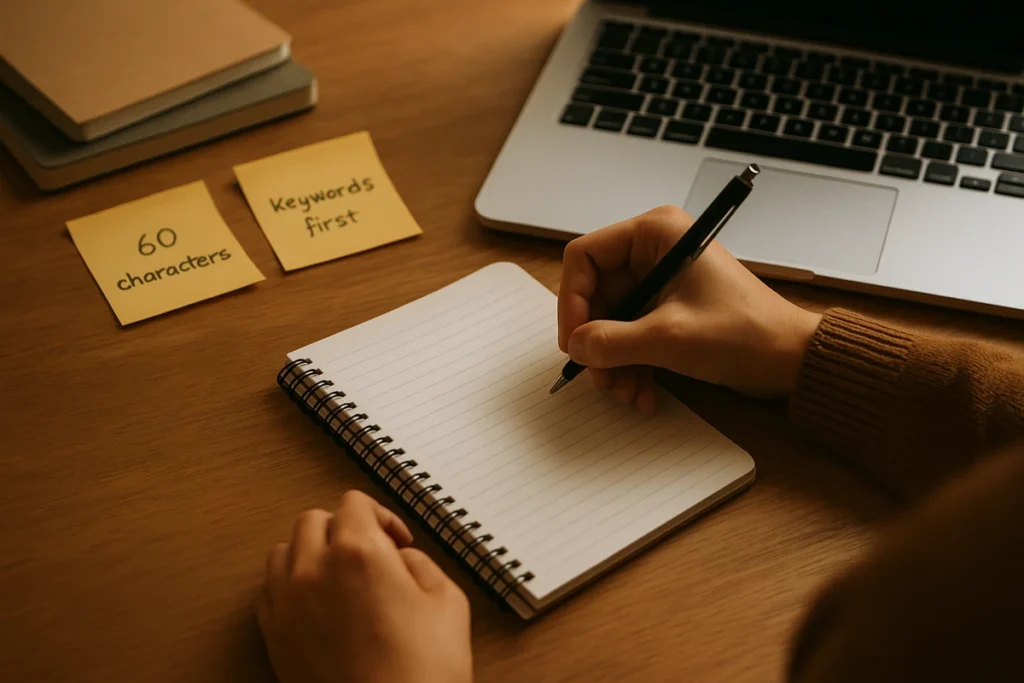
Your meta title and description control what searchers see before they click through from Google. Many beginners leave these blank or fill them with generic phrases like “Welcome to Our Website.”
That gives competitors an easy win.
You can avoid this easily by improving your meta titles and descriptions.
- Keep Titles Under 60 Characters: According to Backlinko, title tags between 40–60 characters have a 33.3% higher click‑through rate (CTR). Put your main keyword up front, then add something specific that promises value. Instead of “SEO Tips,” try “7 SEO Tips for Small Businesses That Work in 2025.”
- Write Descriptions That Explain And Persuade: Aim for 150–160 characters that clearly explain what someone will learn and why it’s worth their time. Skip vague promises like “the best tips.” Be direct: “These 7 beginner-friendly SEO tips help small businesses rank higher without expensive tools or coding skills.”
Strong meta titles and descriptions can boost clicks even before rankings change. More clicks mean more traffic, and implementing this update takes 20-30 minutes with results typically visible within a few weeks..
Tip: Start with your homepage and your five most-visited pages. If you have Google Search Console, check which pages get lots of impressions but fewer clicks. Update those first.
Meta titles and descriptions are quick wins, but there’s another common issue that can quietly sabotage your SEO: broken links. Let’s talk about it.
Fix Broken Links and 404 Errors
If your site has a link that leads to a 404 page or simply goes nowhere, you’re losing valuable traffic. Visitors rarely give a site a second chance after hitting a dead end, and search engines notice too.
To find broken links, use a free tool like Dead Link Checker, Google Search Console, or Ahrefs Site Explorer. Focus first on your most-visited pages, where lost clicks have the biggest impact.
It usually takes less than an hour to review and fix the worst offenders, but the difference in user experience is immediate. Clean, working links help visitors trust your site and make it easier for search engines to crawl your content efficiently.
Now that your links are working properly, let’s make sure your images are pulling their weight too.
Add Alt Text to Images
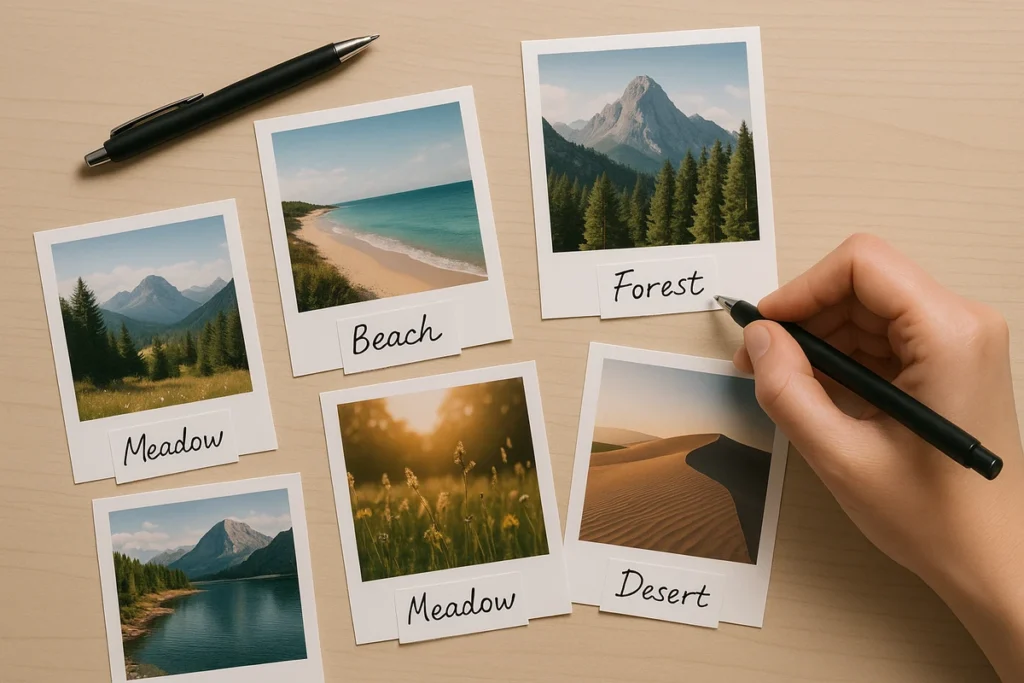
Search engines can’t “see” images like people do. Without alt text, Google doesn’t know what an image represents or how it connects to your content.
Alt text fills that gap. It’s a short line of descriptive text that tells search engines what’s in the image. It also makes your site more accessible for visitors who use screen readers.
Writing good alt text is simple:
- Describe The image Clearly And Include Your Keyword Naturally. Write “small business owners reviewing SEO analytics dashboard” instead of “image1.jpg” or “photo.”
- Keep It Under 125 Characters. Skip phrases like “image of” or “picture of” because screen readers already announce it’s an image.
Once you know how to write effective alt text, the next step is choosing which images to update first. Focus on those on your homepage and top-performing blog posts. It takes about 15-20 minutes to update a few key pages, and you’ve made your content easier to find in Google Image Search.
Images sorted? Great. Now let’s connect your content with internal links so visitors (and search engines) can discover more of what you’ve created.
Add Internal Links to Relevant Pages
Most people new to SEO don’t realise how much control they have over their own site’s link structure. Linking from a popular page to newer content not only shares some of that “authority” but also helps visitors find more of what you’ve created.
The process is simple. Look for places where you naturally mention topics you’ve covered elsewhere and add a link. For instance, if you’re writing about SEO basics and mention keyword research, link to your keyword research guide. Use descriptive anchor text that tells readers what to expect: “our complete guide to local SEO” works better than just “click here.”
Also, it’s a better practice to focus internal links on your highest-traffic pages. Links from these pages carry more weight and are more likely to be seen and used by visitors.
Your content is now well-connected. But what if some of it is outdated? Time to refresh it.
Refresh Outdated Content

When someone lands on a 2019 blog post full of outdated stats or dead tools, they’ll likely click away and find something newer. That’s traffic lost to competitors who keep their information up to date.
The good news is, you don’t have to start from scratch. Refreshing old content is often faster and more effective than writing new posts.
Here’s where to begin. Pick three to five of your older, high-traffic pages and update them with recent stats, clearer examples, and better formatting.
If the topic has evolved significantly, update your meta title and description to reflect what’s changed. This signals to both visitors and search engines that your content is current.
Updated pages often see a noticeable bump in visitors, especially when you’ve made substantial improvements.
Start With One SEO Fix This Week
These five fixes won’t transform your site overnight, but they solve real problems that cost you traffic every day. Weak meta titles mean fewer clicks. Broken links drive visitors away. Outdated content hands opportunities to competitors.
The good news? You don’t need to fix everything at once. Start with one change this week. Implement it properly. Then move to the next. Momentum builds faster than you’d expect when you’re solving actual problems.
Need help mapping out a complete SEO strategy or want someone to handle the technical side? AppSecute works with businesses to build traffic that lasts.